
Top Tips For A Professional LinkedIn Profile
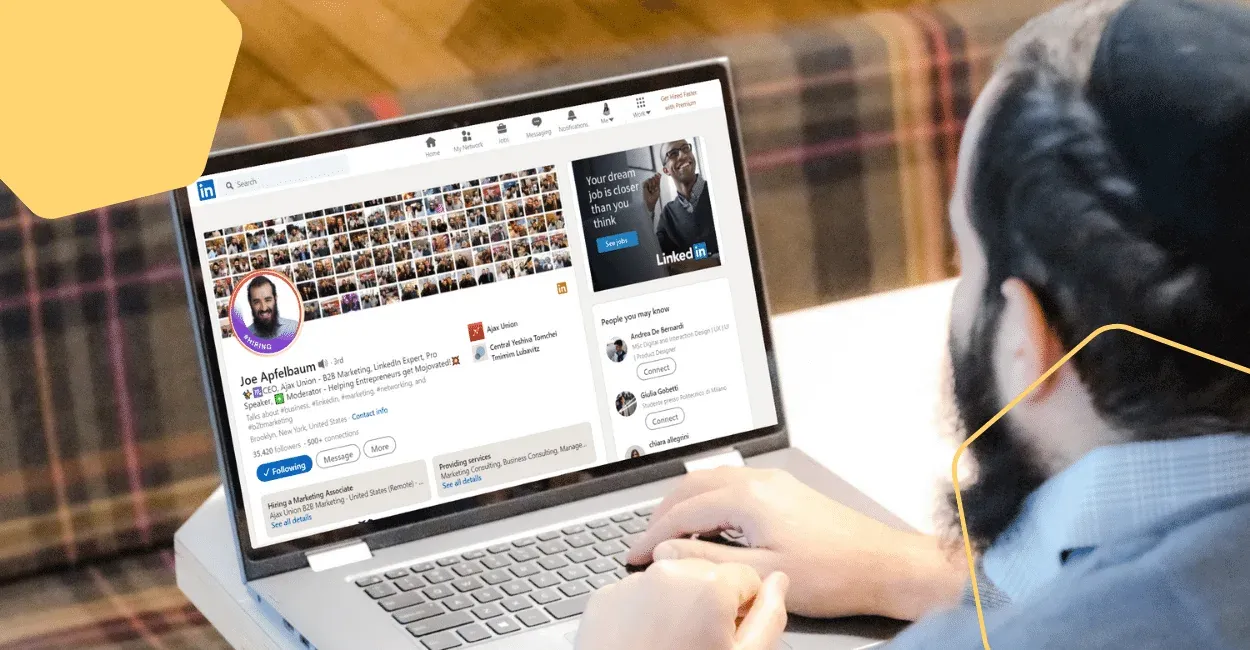
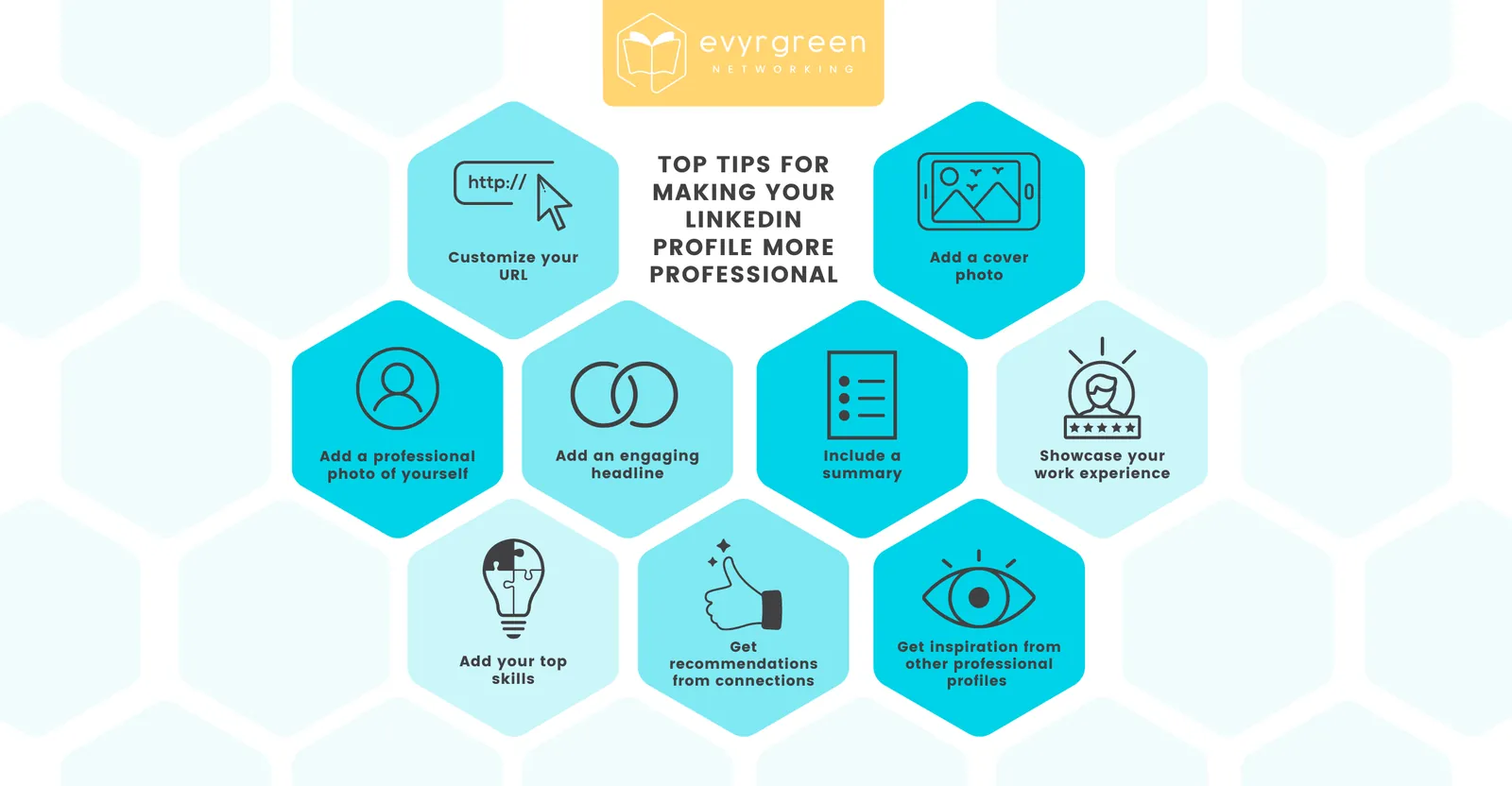
If you’re networking on LinkedIn, you’ve got to make sure your LinkedIn profile is looking its best. But if you’re new to LinkedIn or just don’t know where to start, we have a bunch of tips for you to make sure your profile represents you cleanly and professionally! Here are some of our top tips for making your LinkedIn profile more professional:
1. Add a professional photo of yourself
Say goodbye to grainy selfies in dimly lit rooms. Your LinkedIn profile is a space where decision-makers are getting to know you as a professional.
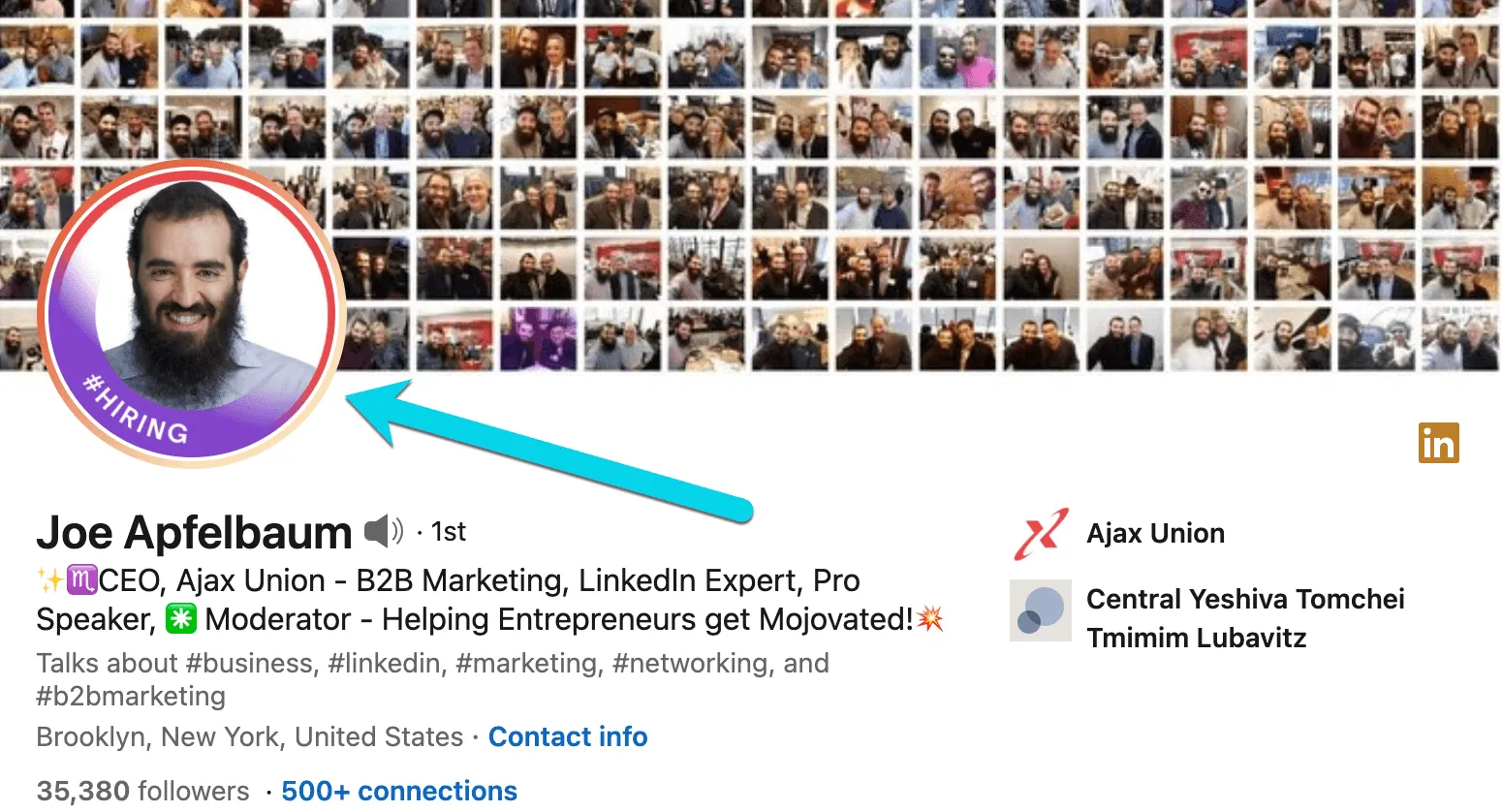
To increase the credibility of your profile, it’s important that you have a profile photo that is high quality! We recommend that it show your face from the collarbone up and that you wear business casual.
2. Shorten your LinkedIn profile URL
Make it easy for people to find you! You can use your LinkedIn settings to change your profile URL. For example, if your name is John Smith, you can change your profile URL to linkedin.com/johnsmith. It may or may not be available, but the closer, the better! Here’s an example:

Your automatically generated URL is full of random characters that don’t represent you.
3. Add a cover photo
It’s important not to get too personal here. Your LinkedIn profile is not a MySpace page, so don’t get carried away with personal photos or bright colors… Instead, choose an austere, neutral-looking photo that relates to your industry or the current company you work for.
4. Add an engaging headline
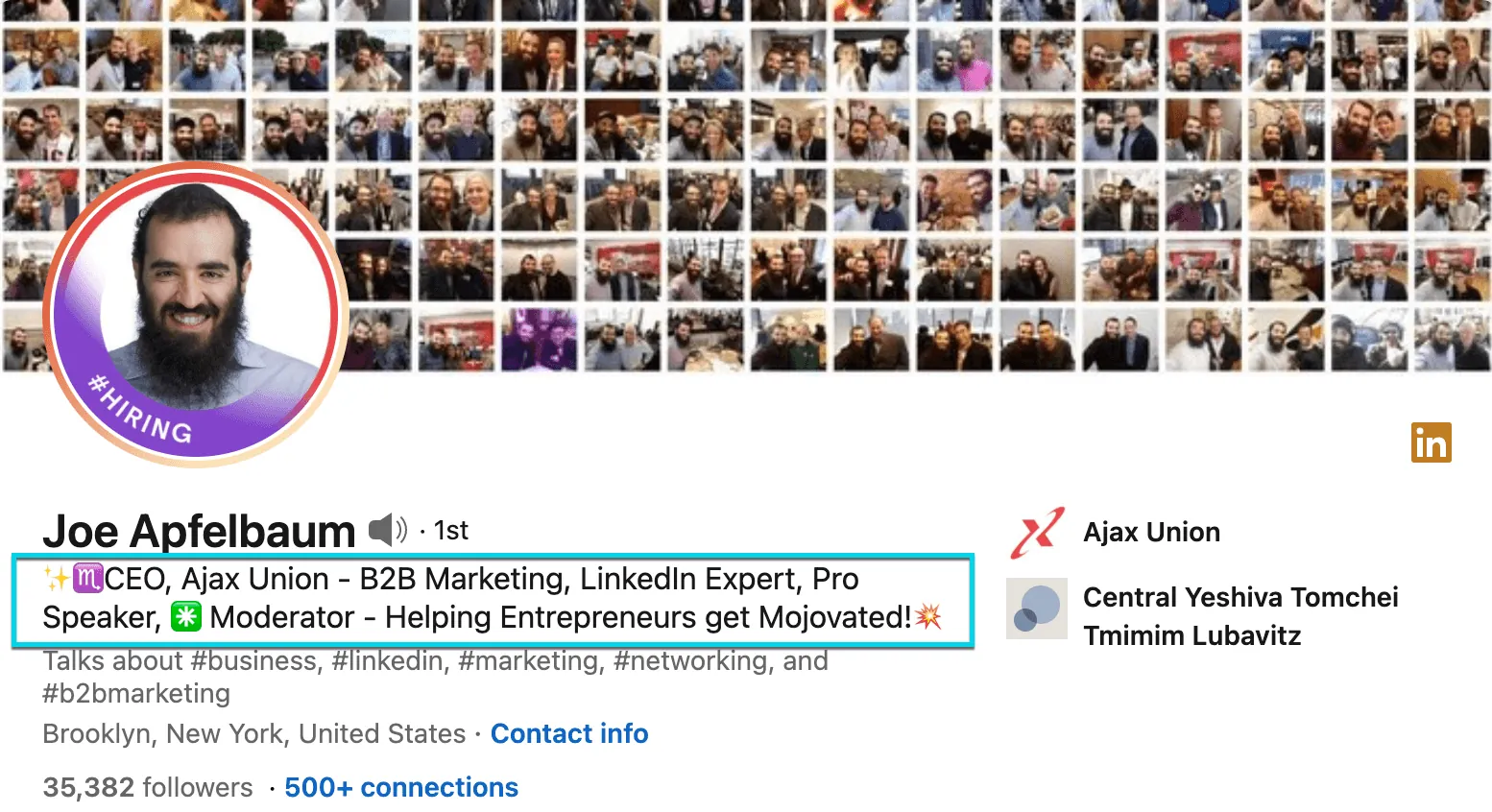
Make sure your headline is a concise and inviting way to tell people what role you’re in currently. Too many profiles have an outdated headline or no headline at all!
5. Include a summary
With a headline, people know what you do, but not why. Your summary section is a great opportunity to share your vision and your expertise in the field. This section should be no more than one or two paragraphs, but it should always be engaging!
6. Showcase your work experience
To build credibility in your space, you’ve got to show your credentials. Make sure to enhance your profile with a list of all your previous roles and accomplishments.
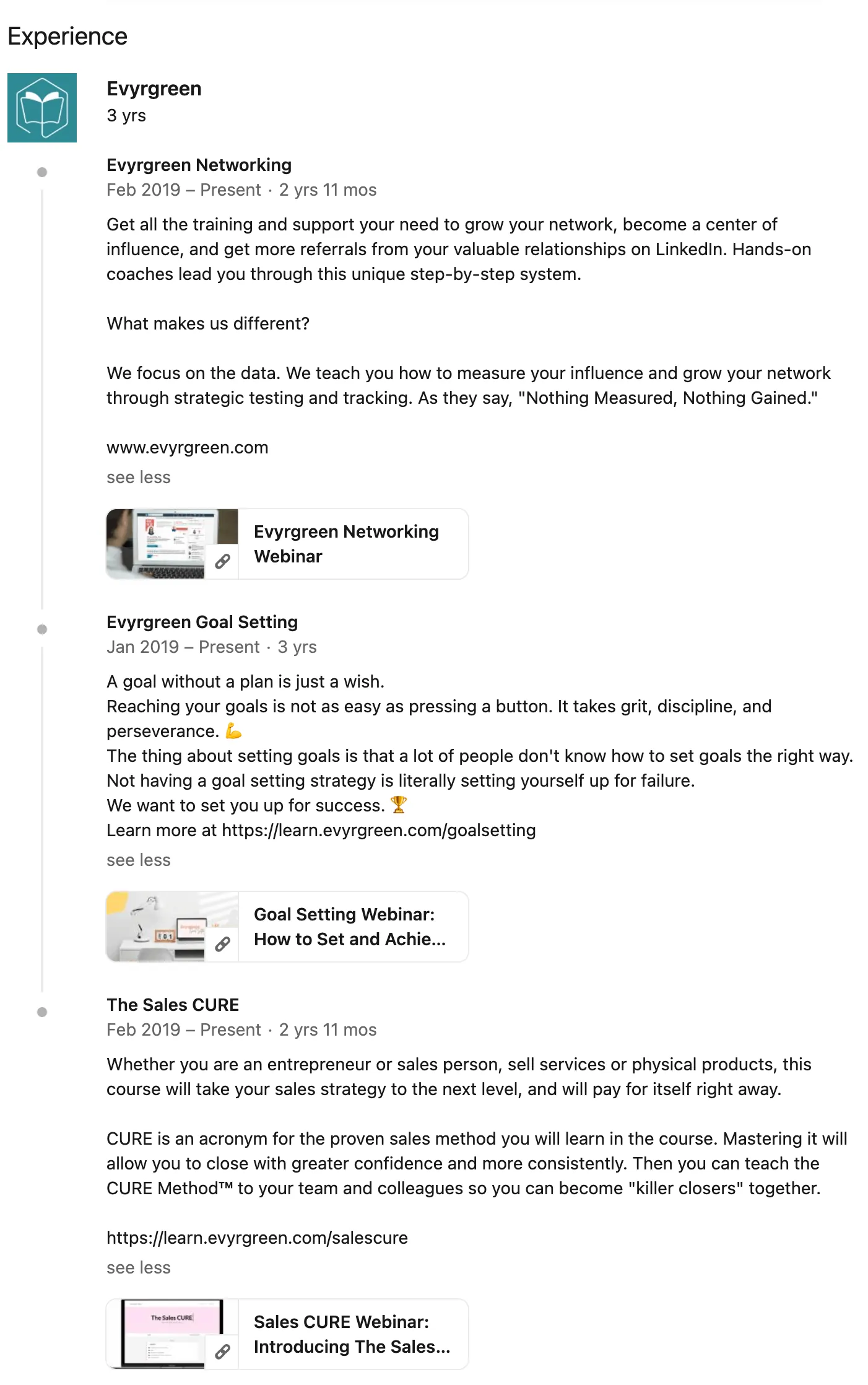
Importantly, try to convey what you did in those positions in clear and succinct ways (we recommend bullet points).
7. Add your top skills
LinkedIn makes it so easy for you to share your talents. You can select skills that pertain to you and even get your connections to endorse your skills!
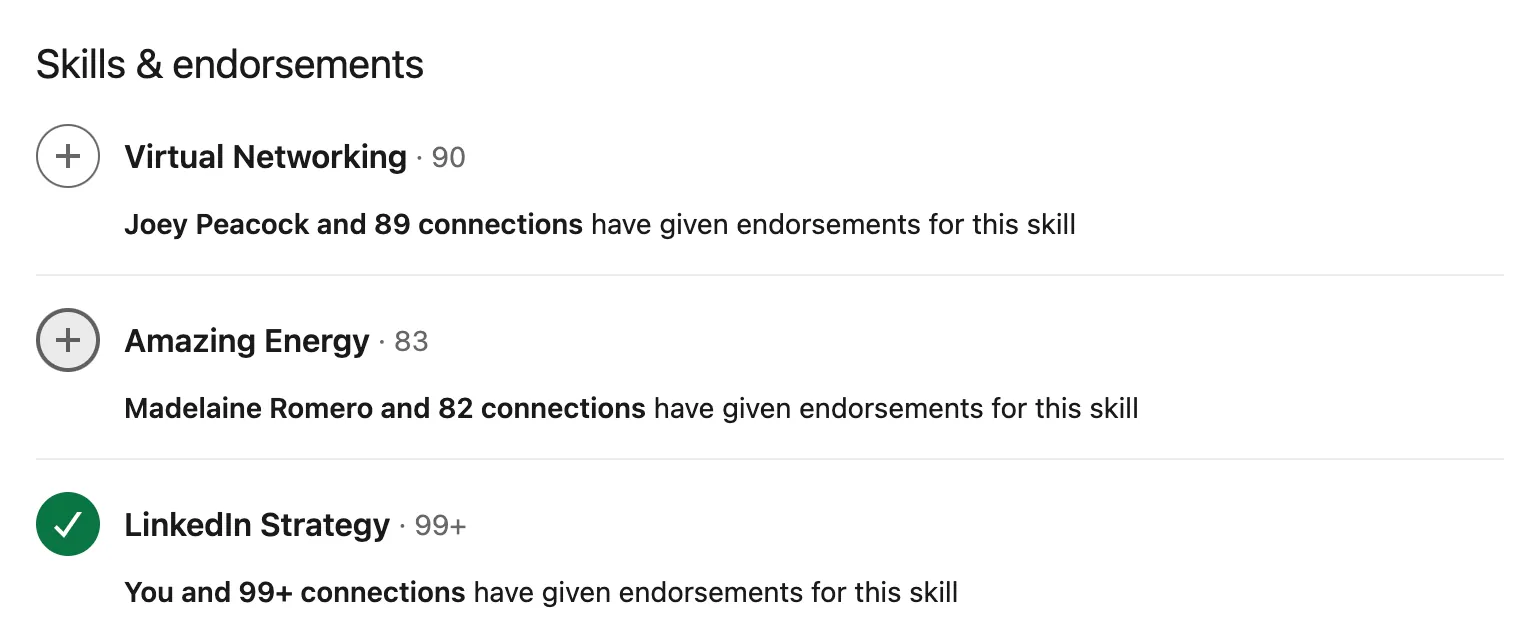
Don’t be afraid to ask the connections who can vouch for you to endorse your top skills.
8. Bonus points if you can get recommendations from your connections
Recommendations aren’t just for getting jobs— they’re for showing credibility in your industry.
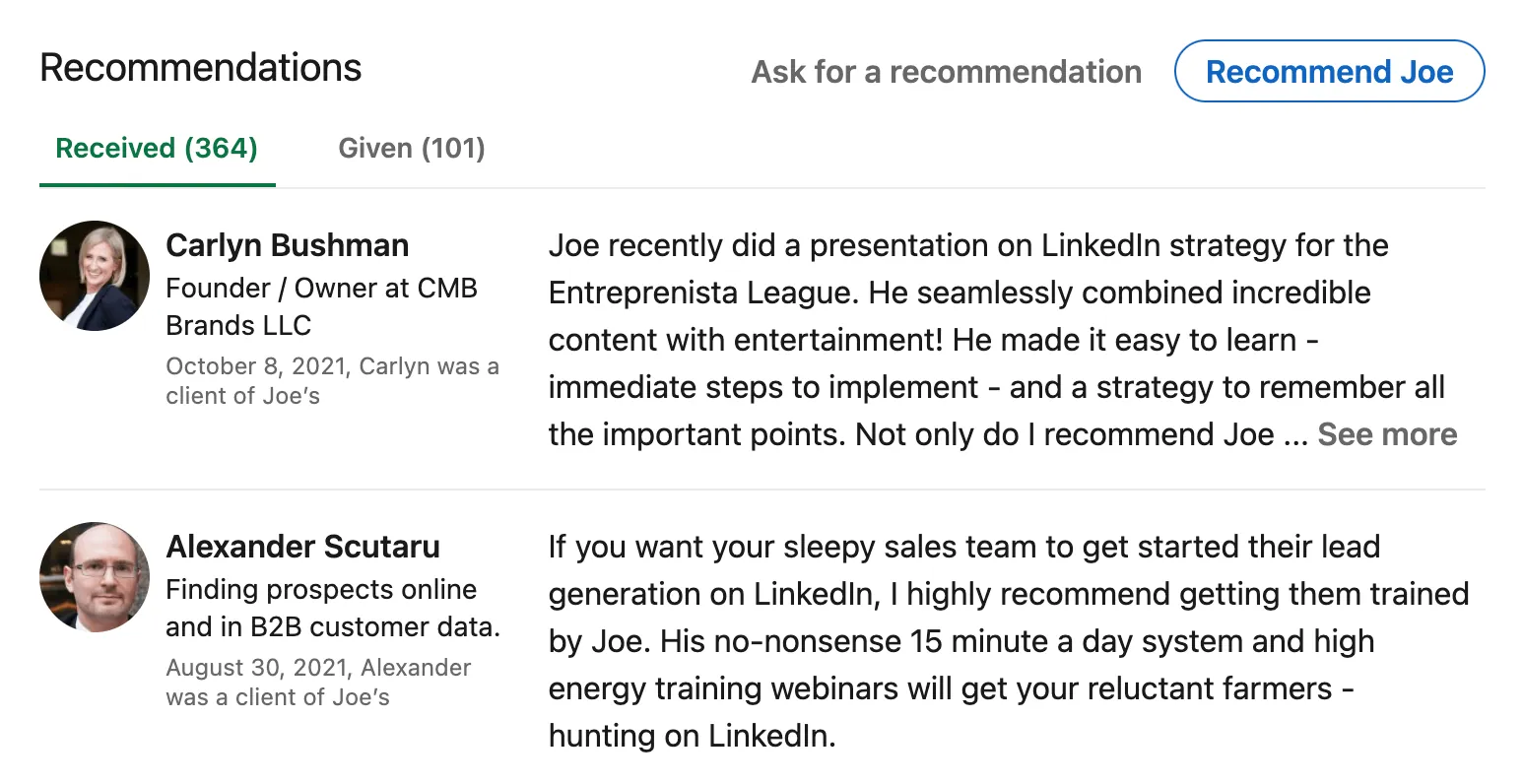
Ask your former employers to write recommendations on you and your work to look extra professional.
9. Look at other professional profiles for inspiration
There are tons of ways you can customize your profile to best represent you and your industry. Don’t stick to the script! Get inspired by other profiles and follow their lead. Want more LinkedIn tips? Download our LinkedIn tips booklet!
Want to learn more? Check out the rest of our blog for more helpful content on LinkedIn, Networking, and more!